

Protect Your WordPress Site With The Top Security Plugins of 2025, Tested & Trusted By Professionals.
In my seven years as a digital marketer, I’ve managed countless WordPress websites, everything from small blogs to large eCommerce stores. One experience, in particular, shaped my approach to website security. A client’s site got hacked overnight because they were using outdated plugins and had no security system in place. The result? Their online store went down for two days, customer trust took a hit, and recovery cost them more than they had ever spent on digital marketing.
That incident taught me that no matter how much effort we put into SEO, content, or paid campaigns, a single security breach can undo months of progress. With WordPress powering over 40% of websites globally, it’s also a prime target for attackers. The good news is you don’t need to be a cybersecurity expert to protect your site, security plugins do the heavy lifting for you.
In this blog, I’ll walk you through the best WordPress security plugins in 2025, their strengths, and which ones might fit your needs best.
Why WordPress Security Matters More Than Ever in 2025
The digital landscape today is very different from what it was a few years ago. Attackers are more sophisticated, AI-powered hacking tools are on the rise, and businesses are increasingly dependent on digital presence.
Here are a few things I’ve seen firsthand:
- Malware injections that turn websites into phishing traps.
- Brute force login attempts with bots trying thousands of password combinations.
- SEO spam hacks where hackers inject hidden links into content, damaging rankings.
- Ecommerce data theft, stealing credit card details from vulnerable WooCommerce stores.
A hacked website doesn’t just cost money to fix; it damages credibility. Customers won’t feel safe buying from you, and Google can even blacklist your domain. That’s why security plugins are a must-have, not a nice-to-have.
What to Look for in a WordPress Security Plugin
Not every plugin is created equal. Over the years, I’ve learned to focus on these core features:
- Firewall protection – blocks malicious traffic before it reaches your site.
- Malware scanning – detects infected files quickly.
- Brute force protection – limits failed login attempts and blocks suspicious IPs.
- Login security – adds 2FA, CAPTCHA, and alerts for unusual activity.
- File integrity monitoring – flags any changes to core WordPress files.
- Ease of use – a must if you’re not highly technical.
- Regular updates & strong support – keeps you protected against new threats.
Best WordPress Security Plugins in 2025
Here are my top recommendations for this year, tested and trusted across different projects:
1. Wordfence Security
Wordfence is like the “bodyguard” of WordPress. It comes with a built-in firewall and malware scanner that checks every file on your site, including themes and plugins.
Key Features:
- Real-time threat defense feed
- Brute force attack protection
- Login security with 2FA
- Country blocking (Pro)
- Comprehensive malware scanner
Why I Like It:
One of my clients, an eCommerce store running WooCommerce, saw hundreds of brute force attempts per week. Wordfence’s firewall stopped them cold, and the client finally had peace of mind.
Best For: Site owners who want a robust all-in-one solution.
2. Sucuri Security
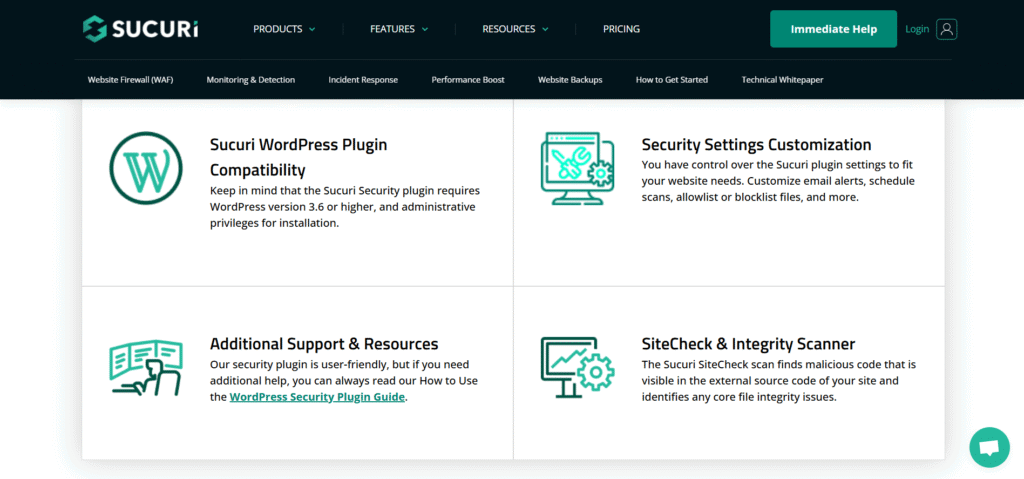
Sucuri is a big name in the website security world, and their WordPress plugin lives up to the reputation.
Key Features:
- Security activity auditing
- File integrity monitoring
- Remote malware scanning
- Blacklist monitoring
- Website firewall (premium)
Why I Like It:
I once worked with a startup whose site was repeatedly flagged by Google for malware. Installing Sucuri helped us clean up the site and monitor future threats. Plus, their firewall noticeably improved site speed by filtering malicious traffic.
Best For: Businesses that need enterprise-level protection.
3. Shield Security
Shield is often underrated but incredibly powerful. It’s lightweight, doesn’t slow down your site, and is beginner-friendly.
Key Features:
- Automatic blocking of suspicious traffic
- Two-factor authentication
- Bot detection
- File change detection
- Detailed audit logs
Why I Like It:
I recommended Shield to a blogger who wasn’t very technical but wanted strong protection without complicated settings. She managed to set it up in under 15 minutes.
Best For: Beginners or small businesses that want simplicity with strong features.
4. Defender Security (by WPMU DEV)
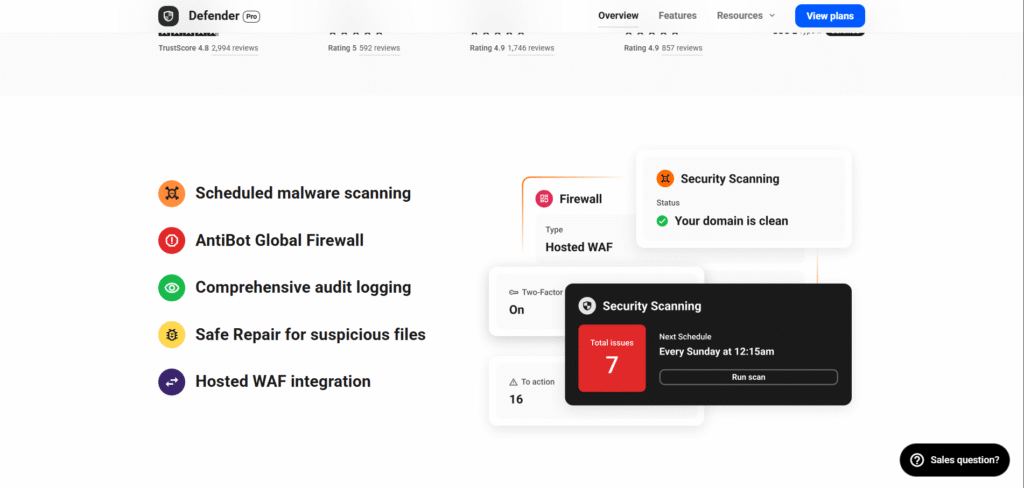
Defender combines security essentials with a sleek dashboard.
Key Features:
- Malware scanning
- Two-factor authentication
- Login masking (changes your WP login URL)
- Security recommendations dashboard
- Google reCAPTCHA integration
Why I Like It:
For agencies or freelancers managing multiple client sites, Defender offers quick setup with clear, actionable recommendations.
Best For: Agencies and freelancers managing multiple WordPress sites.
5. Solid Security (formerly iThemes Security)
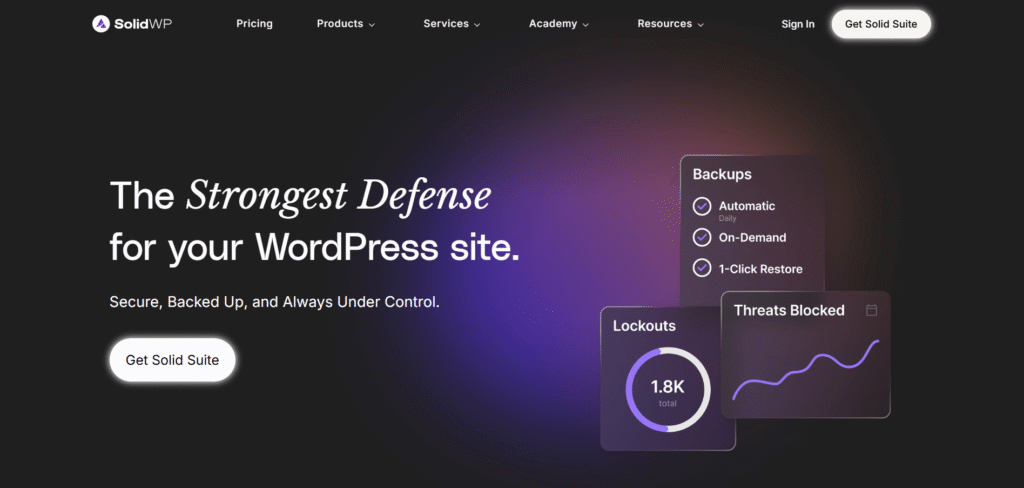
This plugin has been around for years and is trusted by developers and professionals.
Key Features:
- Brute force protection
- File change detection
- Database backups
- Strong password enforcement
- Security grade report
Why I Like It:
For a fintech startup client, Solid Security’s password enforcement feature was critical to ensuring compliance and protecting sensitive customer data.
Best For: Businesses handling sensitive data.
6. All-In-One WP Security & Firewall (AIOS)
True to its name, AIOS provides a complete suite of tools without overwhelming you.
Key Features:
- Firewall rules
- Brute force login prevention
- User account monitoring
- File system security
- Security grading system
Why I Like It:
It’s open-source and free, making it a great choice for new businesses on a budget.
Best For: Startups and small businesses looking for a free yet reliable solution.
7. Patchstack
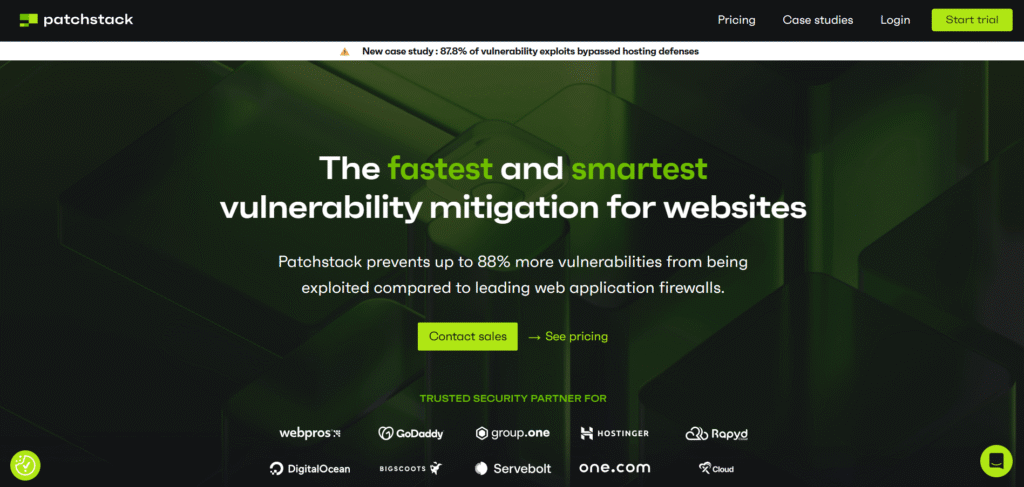
Patchstack focuses on plugin and theme vulnerabilities, which is often where hackers strike first.
Key Features:
- Real-time vulnerability alerts
- Virtual patches for plugins
- Community-driven security database
Why I Like It:
I once had a client whose site was vulnerable due to an outdated theme. Patchstack detected the issue before it became a problem.
Best For: Developers and site managers who rely on multiple plugins.
8. Jetpack Security
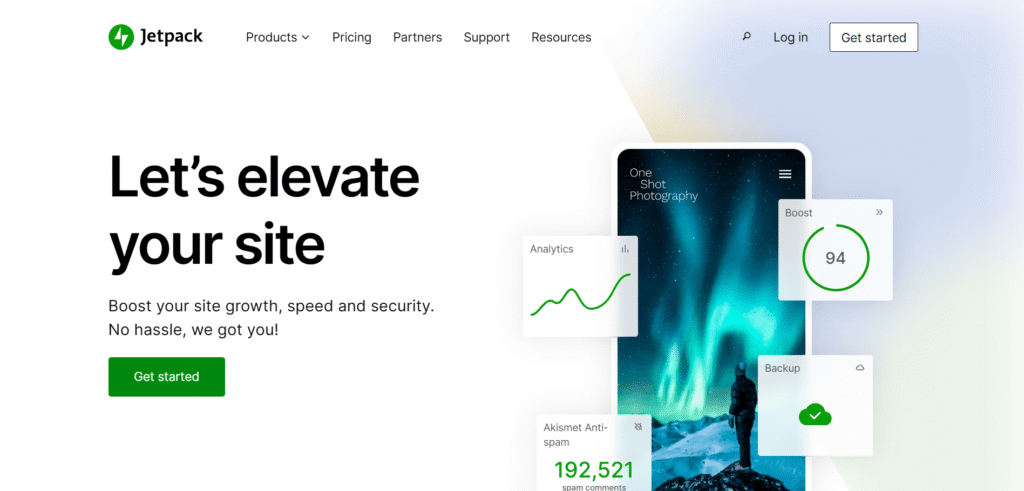
Jetpack is more than just a security plugin, it’s an all-in-one toolkit.
Key Features:
- Downtime monitoring
- Real-time backups
- Malware scanning
- Spam protection
Why I Like It:
For smaller sites, Jetpack’s “one dashboard for everything” approach makes management easy.
Best For: Small businesses that want security plus backups and performance tools.
9. MalCare Security
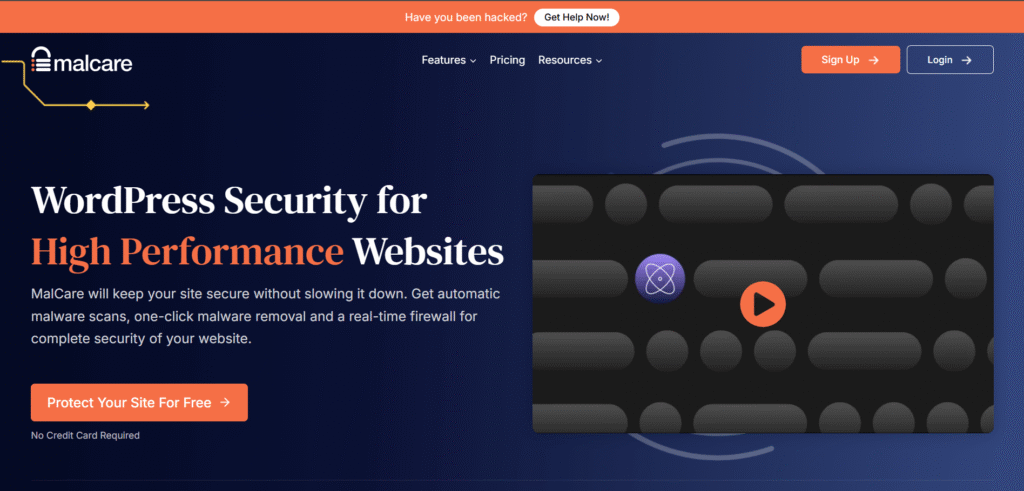
MalCare is known for its deep malware scanning and instant cleanup features.
Key Features:
- One-click malware removal
- Intelligent malware scanning
- Login protection
- Firewall
Why I Like It:
MalCare saved one of my clients from a serious malware infection that other plugins didn’t detect.
Best For: Site owners who want fast malware cleanup.
10. WPScan
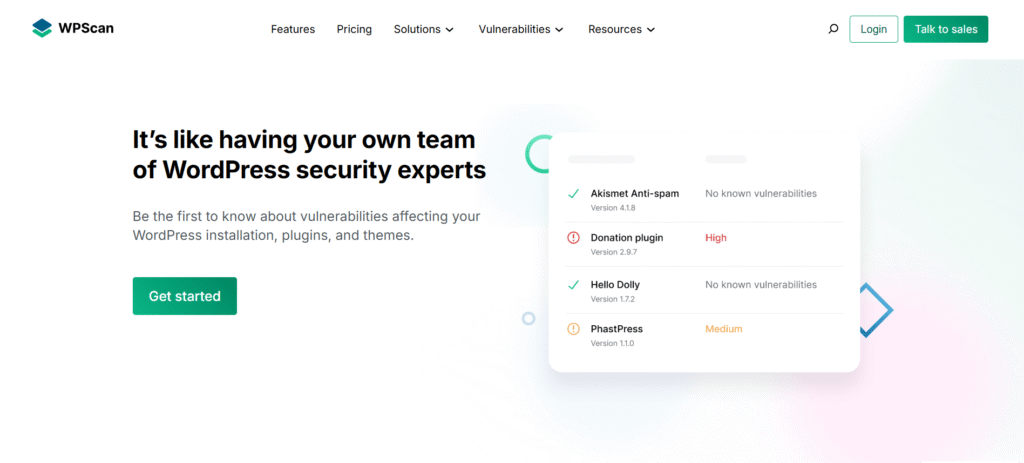
WPScan is a developer-focused plugin backed by Automattic.
Key Features:
- Vulnerability database
- Plugin and theme security checks
- Brute force protection
Why I Like It:
If you’re technical and want to stay ahead of vulnerabilities, WPScan is unmatched.
Best For: Developers and security professionals.
Quick Comparison Table
| Plugin | Free Version | Firewall | Malware Scan | Ease of Use | Best For |
| Wordfence | Yes | Yes | Yes | Moderate | eCommerce & large sites |
| Sucuri | Yes | Premium | Yes | Easy | Enterprises |
| Shield Security | Yes | Yes | Yes | Very Easy | Beginners & small biz |
| Defender Security | Yes | Yes | Yes | Easy | Agencies |
| Solid Security | Yes | Yes | Yes | Moderate | Sensitive industries |
| AIOS | Yes | Yes | Yes | Easy | Budget-conscious users |
| Patchstack | Yes | Yes | Yes | Moderate | Developers |
| Jetpack Security | Premium | Yes | Yes | Very Easy | Small businesses |
| MalCare | Yes | Yes | Yes | Easy | Fast malware cleanup |
| WPScan | Yes | Yes | Yes | Moderate | Developers |
Beyond Plugins: Best Practices You Shouldn’t Ignore
Even with the best plugin, there are a few habits you should stick to:
- Always update WordPress, themes, and plugins.
- Use SSL certificates for encrypted connections.
- Schedule regular backups.
- Use strong, unique passwords.
- Limit user roles to only what’s necessary.
Conclusion
Website security isn’t something you think about after an attack, it’s something you plan for. In 2025, with the rise of AI-driven cyber threats, having a reliable WordPress security plugin is non-negotiable.
If I had to make quick recommendations:
- For all-in-one protection: Wordfence or Sucuri
- For beginners: Shield or AIOS
- For fast malware removal: MalCare
Don’t wait until your site is compromised. Install a plugin today, secure your business, and give yourself the peace of mind to focus on growth. For more you can connect me here